WhatsApp scheduled messages are here, and travel eSIMs are next: how both work
Share this story
WhatsApp now lets you schedule messages up to 14 days ahead, and it's adding travel data eSIMs you buy in the app. How to use it, and what UK users should know.
By Tess5 min read
WhatsApp has finally learned the art of saying something at the right moment, which is more than can be said for most family group chats. Scheduled messages, one of the app's most requested features, are now rolling out worldwide. A day later, WhatsApp announced it will also sell you a travel data eSIM without leaving the app.
One of these you can probably use within a few weeks. The other is a "coming soon to select countries" job, and the UK isn't on any list yet. Here's what each does, and how to use the first one when it lands.
Scheduled messages: what you get
Write a message now, have it delivered later. It works in one-to-one chats and group chats, on both iPhone and Android, with these rules:
- Timing: anywhere from 10 minutes to 14 days after you schedule it.
- What you can send: text, photos and videos. WhatsApp hasn't mentioned voice notes or documents, so don't count on those.
- Phone off? Doesn't matter. WhatsApp says the message still goes out at the time you picked, even if your phone is switched off or the battery is flat.
- Still private: scheduled messages stay end-to-end encrypted, like your normal chats.
- No giveaway: to the person receiving it, it looks like any other message. Nobody will know you wrote their birthday wishes at 11pm the night before. Your secret is safe.
Telegram has had this for years, so WhatsApp is hardly breaking new ground. With WhatsApp being the default messaging app for so much of the UK, though, this will reach far more people. Think birthday messages that land at midnight, a "good luck" text timed for the morning of someone's interview, reminders to the five-a-side group, or messages to relatives in another time zone that don't wake them at 3am.
Advertisement
How to schedule a WhatsApp message
Once the feature reaches your account:
- Open the chat, either a person or a group, and type your message, or attach a photo or video.
- Instead of tapping send, press and hold the send button.
- Pick the date and time you want it delivered.
- Confirm. The message joins your list of scheduled messages instead of going straight away.
You can see everything you've got queued up and delete a message before it goes, in case you change your mind or the birthday party gets cancelled. The simplest way to change one is to delete it and schedule it again.
If pressing and holding send does nothing new, the feature hasn't reached you yet. Update WhatsApp from the App Store or Google Play and check again in a few days. WhatsApp is releasing it gradually around the world, so your mate having it before you means nothing. It's not personal.
Travel eSIMs: holiday data from inside WhatsApp
The second announcement is the more ambitious one. WhatsApp says you'll be able to buy and install a data eSIM for an overseas trip in a few taps, without leaving the app. When you land, you get local mobile data and carry on using WhatsApp on your usual number, rather than hunting for an airport SIM kiosk or café Wi-Fi, or paying roaming charges.
What we know so far:
- It's a data eSIM. Your WhatsApp account stays on your normal number.
- WhatsApp is working with eSIM providers and networks including Jio, Smart Axiata, Smart Communications and Verizon, with more to come.
- It will roll out in select countries "soon", and WhatsApp says you'll see it in the app when it's available to you. No countries, prices or data allowances have been announced, and there's no word on the UK.
- Beta testers report that the option sits in WhatsApp's account settings, and that the eSIM switches on automatically when your phone connects to a network at your destination. That comes from test versions, so the finished feature could work differently.
For UK travellers this could be genuinely handy. Several of the big UK networks now charge a daily fee to use your allowance in Europe, never mind further afield. Travel eSIMs already exist from plenty of standalone apps, though, so whether WhatsApp's is worth having will come down to prices we haven't seen yet.
Before you rely on a travel eSIM
These apply to any travel eSIM, WhatsApp's or anyone else's:
- Check your phone supports eSIM. Most recent iPhones and many mid-range and flagship Androids do, but plenty of cheaper phones don't.
- Make sure your phone is unlocked. A phone locked to a UK network may refuse another provider's eSIM.
- Install it before you fly if you can, while you're on reliable Wi-Fi. Sorting out phone settings in a baggage hall is nobody's idea of a holiday.
- Watch your normal SIM. A data eSIM doesn't change how your UK network treats calls and texts to your regular number. If you leave that SIM switched on abroad, your network's roaming rules still apply to it, so check them before you go.
- Compare prices with your network's roaming add-ons and the existing eSIM apps once WhatsApp publishes its own.
We'll update this story when WhatsApp says which countries get travel eSIMs and how much they cost.
Sources
- WhatsApp Blog: Say it at the right time with scheduled messages
- WhatsApp Blog: Stay connected on WhatsApp when you travel
- TechCrunch: WhatsApp now lets you schedule messages in group and individual chats
- 9to5Google: WhatsApp officially adds scheduled messages
- WABetaInfo: WhatsApp announces Travel eSIM data plans on Android and iOS
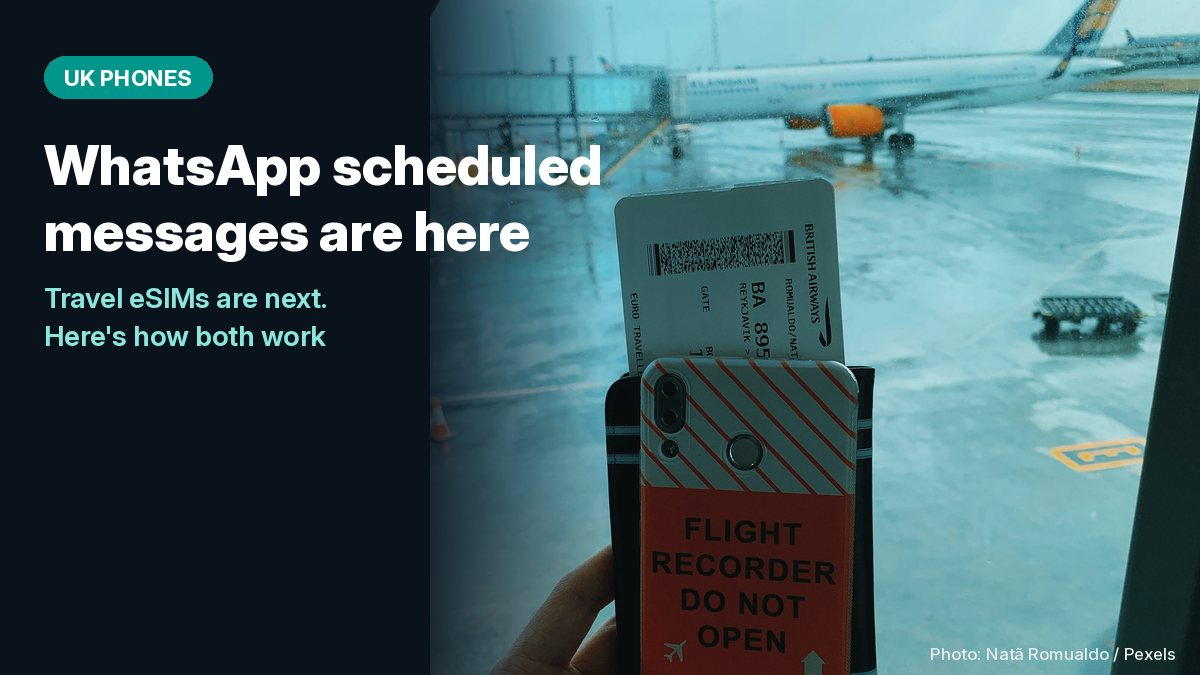
Cover photo: Natã Romualdo / Pexels.
Share this story
Spot an error? Tell us via the contact page. How we score devices is in the editorial policy.