Christmas shopping scams: how to spot fake shops, parcel texts and 'suspicious purchase' calls
Share this story
Fake shops, missed parcel texts and calls about purchases you never made are doing the rounds. How to spot them, and exactly what to do if you've been caught.
By Tess6 min read
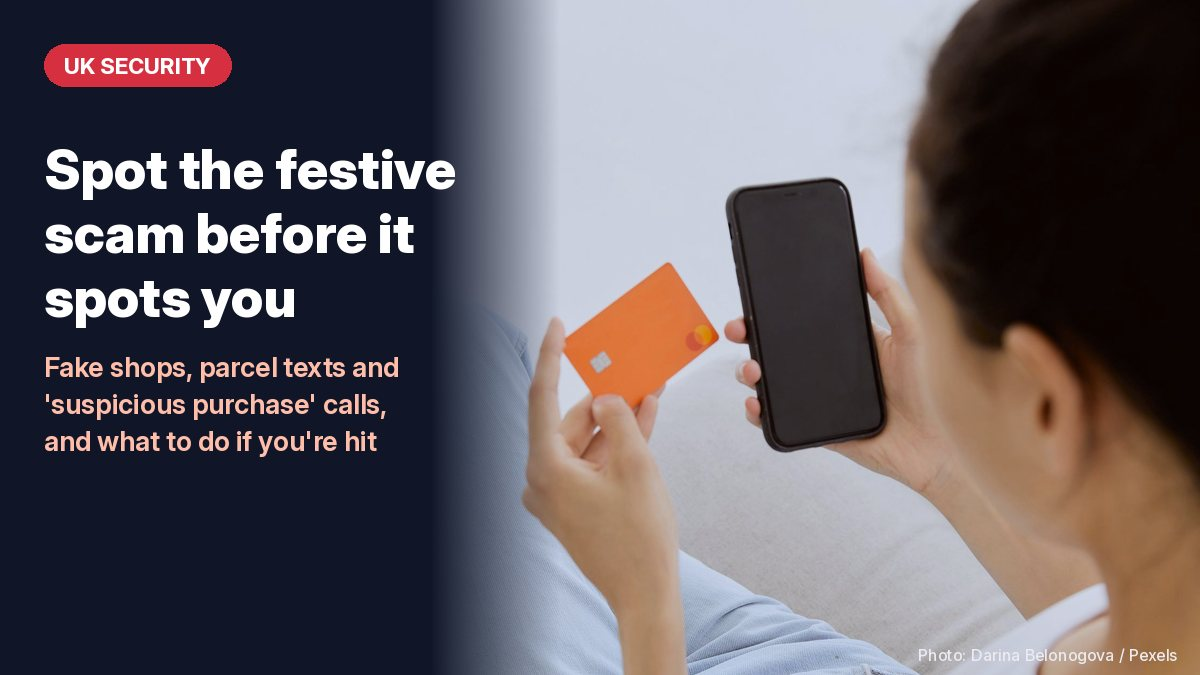
This weekend your phone will buzz with more shopping messages than at any other point in the year, and a fair few of them won't be from anyone you've ever bought anything from. Fraudsters love the run-up to Christmas for the same reason shops do: everyone's in a hurry, everyone's expecting a parcel, and nobody can remember which of the eleven retailers they ordered from actually sent that tracking link.
This week Ofcom, Report Fraud and the National Cyber Security Centre (NCSC) have all put out festive scam warnings. Report Fraud says it received more than 14,000 reports of online shopping fraud over last year's festive season, between November 2025 and January 2026, with £18.3 million stolen. So here's the field guide: the scams going about, how to tell them apart from the real thing, and what to do if one has already got you.
The scams doing the rounds
Fake shops and too-good-to-be-true adverts
The classic. A slick website or social media advert offers something everyone wants, in stock, for noticeably less than everyone else is charging. You pay, and either nothing turns up or something cheap and nasty does. Report Fraud says the most common pattern last season was people paying for goods that never arrived, or arrived as a substitute of little or no value. Fake seller profiles on social media and marketplaces, which vanish once the money lands, came a close second.
The tells: a shop you've never heard of, a web address that's nearly but not quite a famous retailer's, no proper contact details, a countdown timer, "only 2 left!", and a checkout that nudges you towards bank transfer. AI tools mean the spelling and photos are often perfectly fine these days, so don't rely on wonky grammar to give the game away.
"We missed you" parcel texts
A text says a delivery failed and you need to pay a small redelivery fee or rebook through a link. Ofcom lists this as one of its five festive scams to watch for. The link either harvests your card details or, in the nastier version the NCSC warns about, asks you to install a "tracking app" that is really malware, which can steal banking details and passwords and then tries to access your contacts and send the same scam to them. Couriers don't ask for fees by text, and you never need a special app to find out where your parcel is.
Calls and messages about a purchase you didn't make
Someone rings or messages to say there's been a suspicious purchase on your Amazon, PayPal or bank account, and you need to act now. They might ask you to click a link, call a number back, share your screen, install a remote access app or "move your money to a safe account". Ofcom flags this one, and Report Fraud has warned specifically about callers pretending to be Amazon. The fix is boringly simple: hang up, then open the real app or website yourself and look. If there's genuinely a problem, it'll be there.
"Mum, I've broken my phone"
A message from an unknown number claims to be your son, daughter or another relative who has lost or broken their phone on a Christmas night out, and before long they need money sent urgently. Ofcom says to stop and contact the person another way, on the number you already have for them. A real child will be mortified that you checked. A scammer will suddenly go quiet.
Prize draws and festive jobs
Ofcom's last two: a giveaway you've "won" but don't remember entering, which needs your bank details or a small payment to release the prize, and seasonal job offers that promise quick cash but want upfront fees, bank details or copies of your passport. If the prize or the job came looking for you, be suspicious.
Advertisement
Before you buy: a quick sense check
None of this needs a degree in cyber security. It mostly needs thirty seconds and a cup of tea.
- Find the shop yourself. Type the address you know into your browser, or search for the retailer and pick the real result carefully, rather than following a link from a text, email or advert.
- Check unfamiliar sellers. Look for reviews on sites you trust, not just the glowing ones on the shop's own pages. A brand-new seller with no history is a warning sign.
- Pay with protection. A credit card is best: for a single item costing more than £100 and up to £30,000, Section 75 of the Consumer Credit Act may let you claim from the card company if things go wrong. Debit cards can fall back on the chargeback scheme, and services such as PayPal, Apple Pay and Google Pay have their own buyer protection, so check the terms. Bank transfer to a stranger has none of this.
- Give only what's needed. Check out as a guest if you don't plan to shop there again, and fill in only the required fields. Fewer accounts mean fewer passwords to leak.
- Lock down the important accounts. Use passkeys where offered, or a strong, unique password plus two-step verification on your email, shopping, bank and payment accounts. Your email account matters most, because it's how everything else gets reset.
- Notice the rush. If a deal, a delivery or a "your account is at risk" message is making you feel hurried, that's the scam working as designed. Put the phone down and come back to it.
If you think you've been caught
Don't be embarrassed. These scams are built by people who do this full time, and they catch sharp, sensible people every day. What matters is acting quickly.
- Gave card or bank details, or sent money? Call your bank immediately, using the number on your card or in its official app. In the UK you can also call 159, which connects you to most major banks' fraud teams. Don't use any number given in the suspicious message.
- Installed an app from a parcel text? The NCSC's advice is not to log in to any accounts on that phone, and to factory reset it as soon as you can. Don't back it up first, because the backup would include the malware, and only restore a backup you're sure was made before you installed the app. Then change the passwords for any accounts you've used since, and any others that share them.
- Typed a password into a fake site? Change it now on the real site, plus anywhere else you've used the same one, and switch on two-step verification.
- Goods never arrived, or weren't as described? Contact the seller first, then your card provider about Section 75 or chargeback, or PayPal about its buyer protection if you paid that way.
- Report it. In England, Wales and Northern Ireland, report fraud to Report Fraud online or on 0300 123 2040. In Scotland, call Police Scotland on 101.
Reporting the ones that didn't get you
Even if you spotted it, reporting helps get the next one taken down.
- Forward scam texts free to 7726 (it spells SPAM on a keypad), then delete them.
- Forward scam emails to the NCSC at report@phishing.gov.uk.
- Report a dodgy website to the NCSC using its online scam website form.
- Report scam adverts to the Advertising Standards Authority.
Then carry on with your Christmas shopping, slightly more suspicious and considerably less likely to end up explaining to your bank why you paid a "redelivery fee" for a parcel that was already on the doormat.
Sources
- Ofcom: Avoid being Ho-Ho-Hoaxed: five festive scams to watch out for
- Report Fraud: Have a Fraud Free Xmas
- Report Fraud: fraudsters posing as Amazon
- National Cyber Security Centre: Shopping and paying safely online (PDF)
- National Cyber Security Centre: Scam 'missed parcel' SMS messages
- National Cyber Security Centre: Report a scam email
- National Cyber Security Centre: Report a scam website
- Report Fraud
Cover photo: Darina Belonogova / Pexels.
Share this story
Spot an error? Tell us via the contact page. How we score devices is in the editorial policy.